> ## Documentation Index
> Fetch the complete documentation index at: https://docs.eclipseproxy.com/llms.txt
> Use this file to discover all available pages before exploring further.
# IP Geolocation Lookup
> Free tool to look up the country, region, city, ISP, and ASN of any IP address
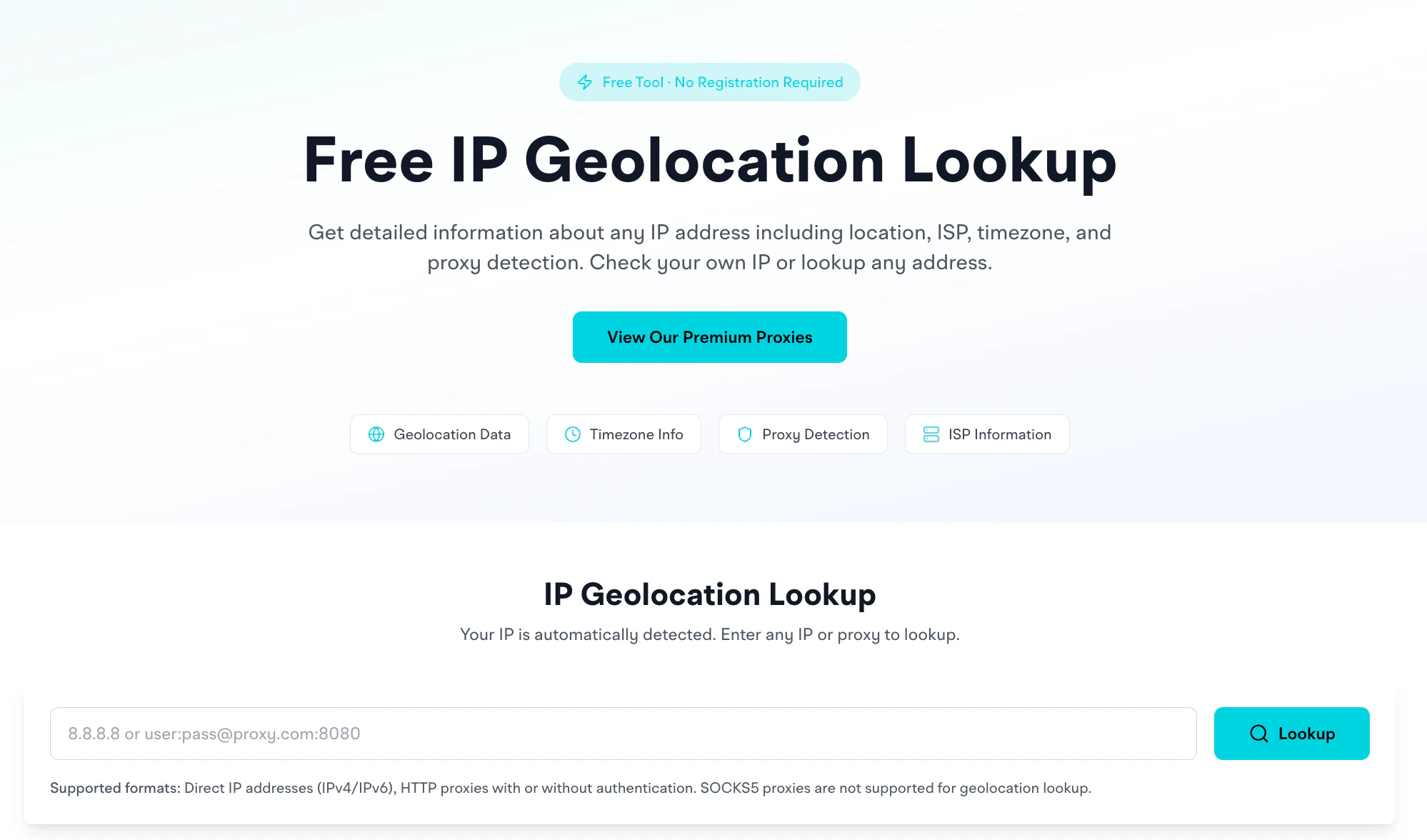
The **[IP Geolocation tool](https://www.eclipseproxy.com/tools/ip-geolocation)** provides geographic and network information for any IP address. Free, no signup required.
[https://www.eclipseproxy.com/tools/ip-geolocation](https://www.eclipseproxy.com/tools/ip-geolocation)
 ## What it returns
For a given IP, you get:
**Location**
* Country (with flag)
* Region / state
* City
* Continent
* Latitude / longitude coordinates (plus a map view)
**Network**
* ISP (e.g., `Cloudflare, Inc.`)
* Organization (e.g., `Cloudflare WARP`)
* AS Number (e.g., `AS13335 Cloudflare, Inc.`)
## Use cases
* Verify proxy exit IP location matches your targeting
* Identify unknown IPs in server logs
* Validate network information (ISP, ASN) for proxy diagnostics
## Supported inputs
* **Direct IP addresses**, IPv4 and IPv6
* **HTTP proxies** with or without authentication: paste a `host:port:user:pass` style string and we'll extract the IP and look it up
**Not supported:** SOCKS5 proxies for geolocation lookup (technical limitation, SOCKS5 doesn't expose the underlying IP the same way HTTP does).
## How it differs from running a request through the proxy
The geo lookup gives you info about a known IP. If you want to know "what IP does this proxy currently use right now," run an actual request through it first (e.g., with [cURL](/usage/scripts) against `api.ipify.org`), then paste the returned IP into this tool.
For rotating proxies, the IP changes per request: so a single lookup is just a snapshot.
## Map view
The tool shows the IP's coordinates on an OpenStreetMap embed. Useful for sanity-checking: if you targeted Phnom Penh and the map drops a pin in Iowa, something's misrouting.
## Continent field
Some IP records may not include continent information in the source database. Country, region, and city remain accurate.
## Related
* [Proxy Checker](/tools/proxy-checker): test whether a proxy works at all
* [Proxy Formatter](/tools/proxy-formatter): convert between proxy formats
* [Wrong country IP troubleshooting](/errors/common-issues#wrong-country-ip): diagnose unexpected geo results
## What it returns
For a given IP, you get:
**Location**
* Country (with flag)
* Region / state
* City
* Continent
* Latitude / longitude coordinates (plus a map view)
**Network**
* ISP (e.g., `Cloudflare, Inc.`)
* Organization (e.g., `Cloudflare WARP`)
* AS Number (e.g., `AS13335 Cloudflare, Inc.`)
## Use cases
* Verify proxy exit IP location matches your targeting
* Identify unknown IPs in server logs
* Validate network information (ISP, ASN) for proxy diagnostics
## Supported inputs
* **Direct IP addresses**, IPv4 and IPv6
* **HTTP proxies** with or without authentication: paste a `host:port:user:pass` style string and we'll extract the IP and look it up
**Not supported:** SOCKS5 proxies for geolocation lookup (technical limitation, SOCKS5 doesn't expose the underlying IP the same way HTTP does).
## How it differs from running a request through the proxy
The geo lookup gives you info about a known IP. If you want to know "what IP does this proxy currently use right now," run an actual request through it first (e.g., with [cURL](/usage/scripts) against `api.ipify.org`), then paste the returned IP into this tool.
For rotating proxies, the IP changes per request: so a single lookup is just a snapshot.
## Map view
The tool shows the IP's coordinates on an OpenStreetMap embed. Useful for sanity-checking: if you targeted Phnom Penh and the map drops a pin in Iowa, something's misrouting.
## Continent field
Some IP records may not include continent information in the source database. Country, region, and city remain accurate.
## Related
* [Proxy Checker](/tools/proxy-checker): test whether a proxy works at all
* [Proxy Formatter](/tools/proxy-formatter): convert between proxy formats
* [Wrong country IP troubleshooting](/errors/common-issues#wrong-country-ip): diagnose unexpected geo results