

Open the Proxy Formatter
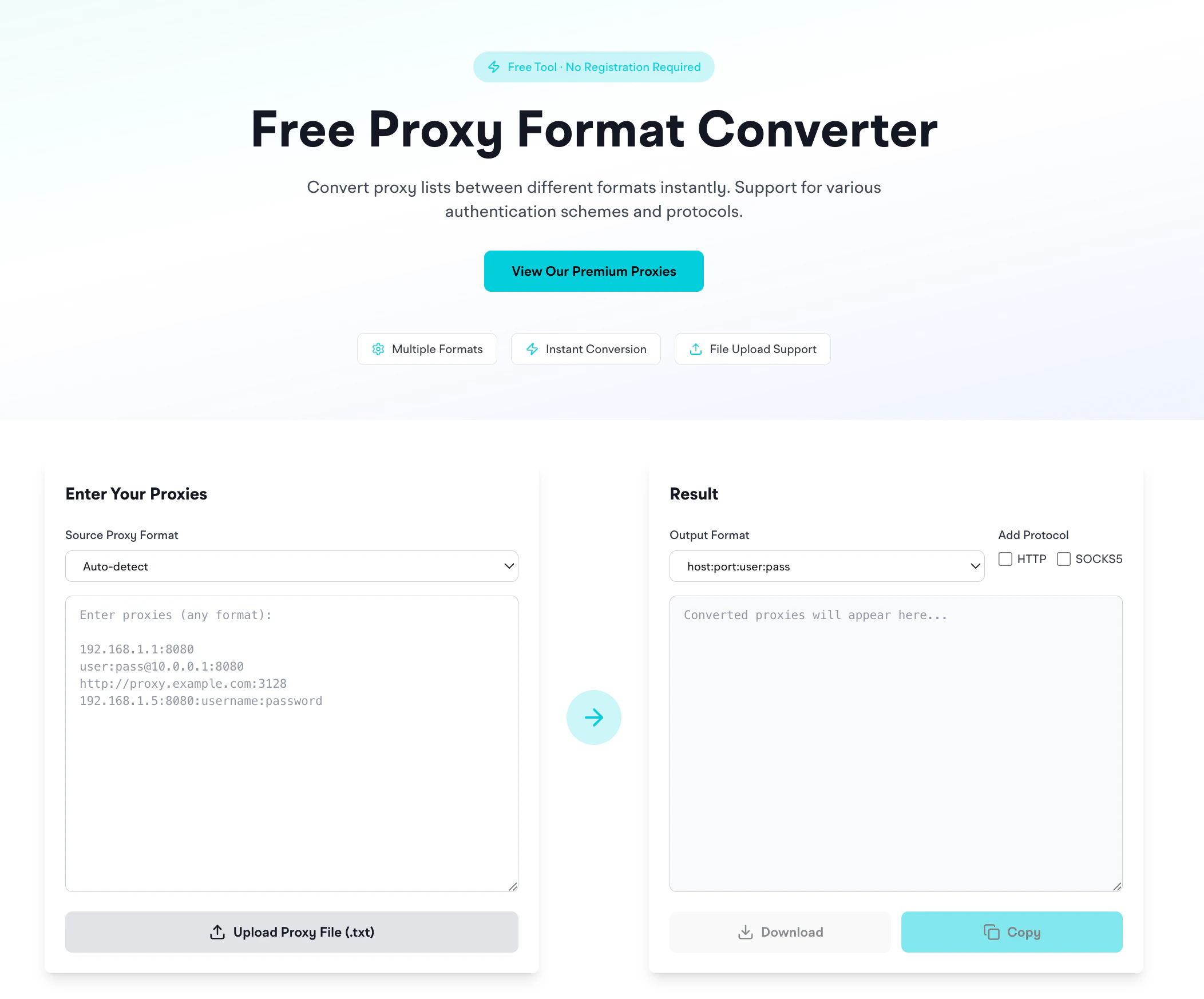
What it does
- Paste proxies in any format (or upload a
.txtfile) - Pick the output format
- Optionally add a protocol prefix (
http://orsocks5://) - Get a converted list: copy or download as
.txt
Supported input formats (auto-detected)
Output formats
Use the protocol checkboxes to add
http:// or socks5:// prefixes for tools that require URL format.
Which format does each tool want?
The
user:pass@host:port format is widely compatible across tools.
Bulk conversion
Upload a.txt file of proxies and the formatter handles it in one pass. Download the converted file with the Download button.
Privacy
The formatter runs entirely in your browser: proxies you paste don’t hit our servers. Safe to paste credentials.Related
- Proxy format strings reference: the full format breakdown for each EclipseProxy product
- Proxy Checker: once formatted, test that the proxies work
- IP Geolocation: look up the geographic info of a proxy IP